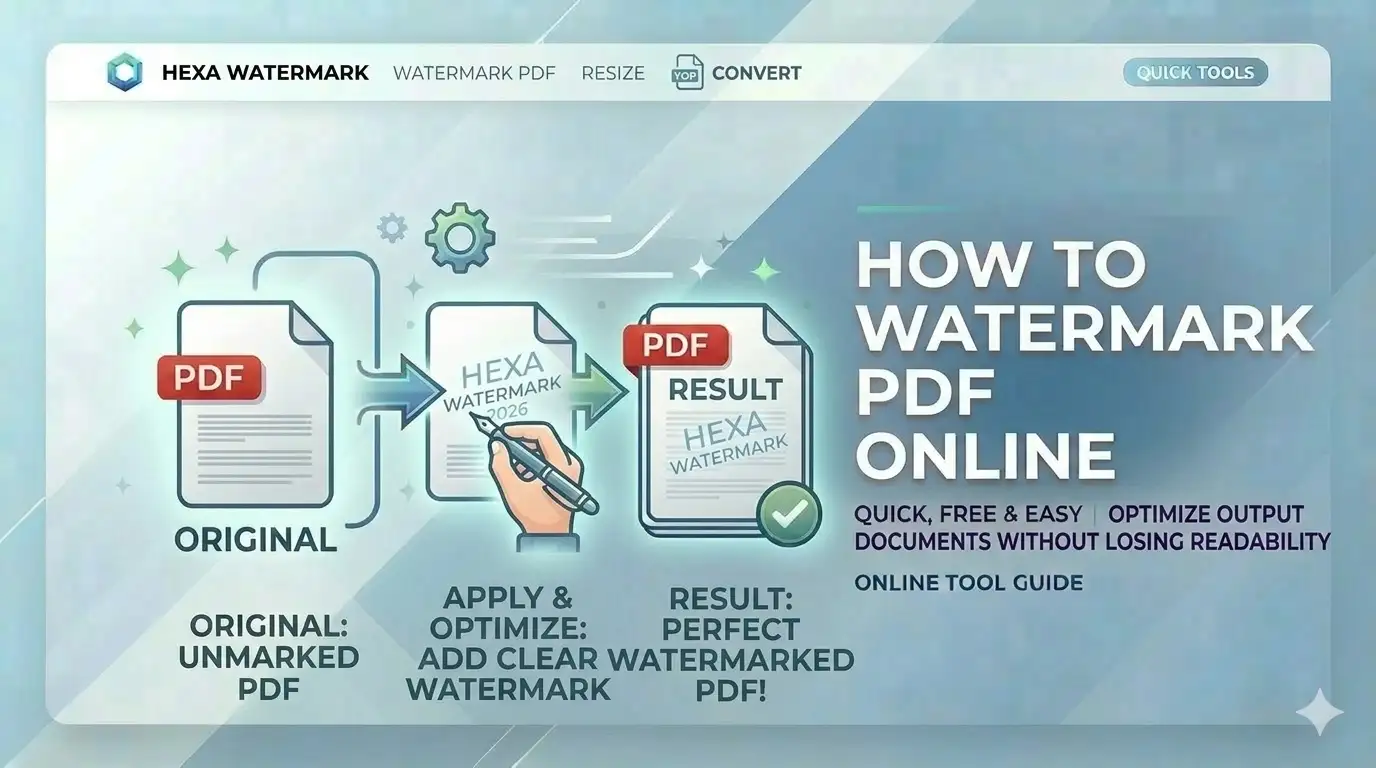
Sharing your original marksheet PDF for verification? Unprotected digital documents can be easily misused. Knowing how to watermark PDF online free allows you to add a visible layer of ownership (like "For SSC Use Only") which deters unauthorized duplication and ensures your PAN card online free India preparation is handled professionally.
What is PDF Watermarking?
PDF watermarking is the digital application of a translucent or opaque overlay onto document pages. For users in India, searching for how to watermark PDF online free is a critical security step because it physically links the document to a specific purpose (e.g., "Verification Copy") or owner. Our tool uses professional rendering to ensure the watermark is placed on every page of your SSC or UPSC document bundle automatically.
Watermark PDF in 4 Simple Steps
Select PDF Document
Upload your certificate or booklet. The engine will render a high-res preview of the first page instantly.
Define Watermark
Enter text (e.g., CONFIDENTIAL) or upload a logo. Set the color and font face for professional look.
Adjust Visibility
Use the opacity slider to ensure the watermark is visible but doesn't hide the important text.
Export Protected PDF
Click apply. Our engine will process all pages locally and deliver your watermarked document.
Key Features of Our Watermarker
Tiling Mode
Repeat your watermark across the entire page for maximum security.
100% Local Logic
Your identity marksheets never touch a server. Processing is on-device.
Dynamic Rotation
Set any angle (e.g., -45 degrees) for that classic diagonal security look.
Mobile Optimized
Watermark documents directly from your Android or iPhone gallery.
SSC, UPSC & Security Requirements
Our free online PDF watermarking tool is built for these Indian use cases:
- Govt Job Verification:Add 'For SSC Verification Only' to PDFs
- Academic Sharing:Mark marksheets as 'Draft' or 'Student Copy'
- Business Contracts:Apply company logo watermark to pages
- PAN card online free India:Label supporting documents for security
- Legal Documentation:Stamp pages with 'Copyright Protected'
- Passport Seva:Add usage restrictions to ID proof copies
Cloud-Based vs. Local Watermarking
| Metric | Standard Sites | CSCtools Studio |
|---|---|---|
| Privacy | Low (Cloud upload) | 100% Local (Safe) |
| Precision | Fixed positions | Surgical Positioning |
| Page Support | Limited count | Unlimited (Any size) |
Technical Canvas Engine Overview
Frequently Asked Questions
How to watermark PDF marksheets for SSC online free?
Simply upload your PDF to CSCtools, choose the 'Text' option, type your security label, set position to 'Tile' for maximum protection, and click apply. You'll get a protected PDF instantly.
Can I use my own logo as a watermark?
Yes. Use our 'Image' mode to upload your PNG or JPG logo. You can even use the Adjustment Studio to crop and rotate your logo before applying it.
Will the watermark affect text clarity?
No. By adjusting the 'Opacity' slider, you can make the watermark translucent, ensuring the original certificate details remain perfectly legible for scanners.
Is my personal data safe on your server?
Absolutely. We never see your documents. All watermarking happens 100% locally in your browser memory and is deleted when you close the tab.
Conclusion
Mastering how to watermark PDF online free is a vital skill for anyone sharing digital documents in India today. With CSCtools, you get a professional, secure, and instant workstation to protect your identity documents for any portal.