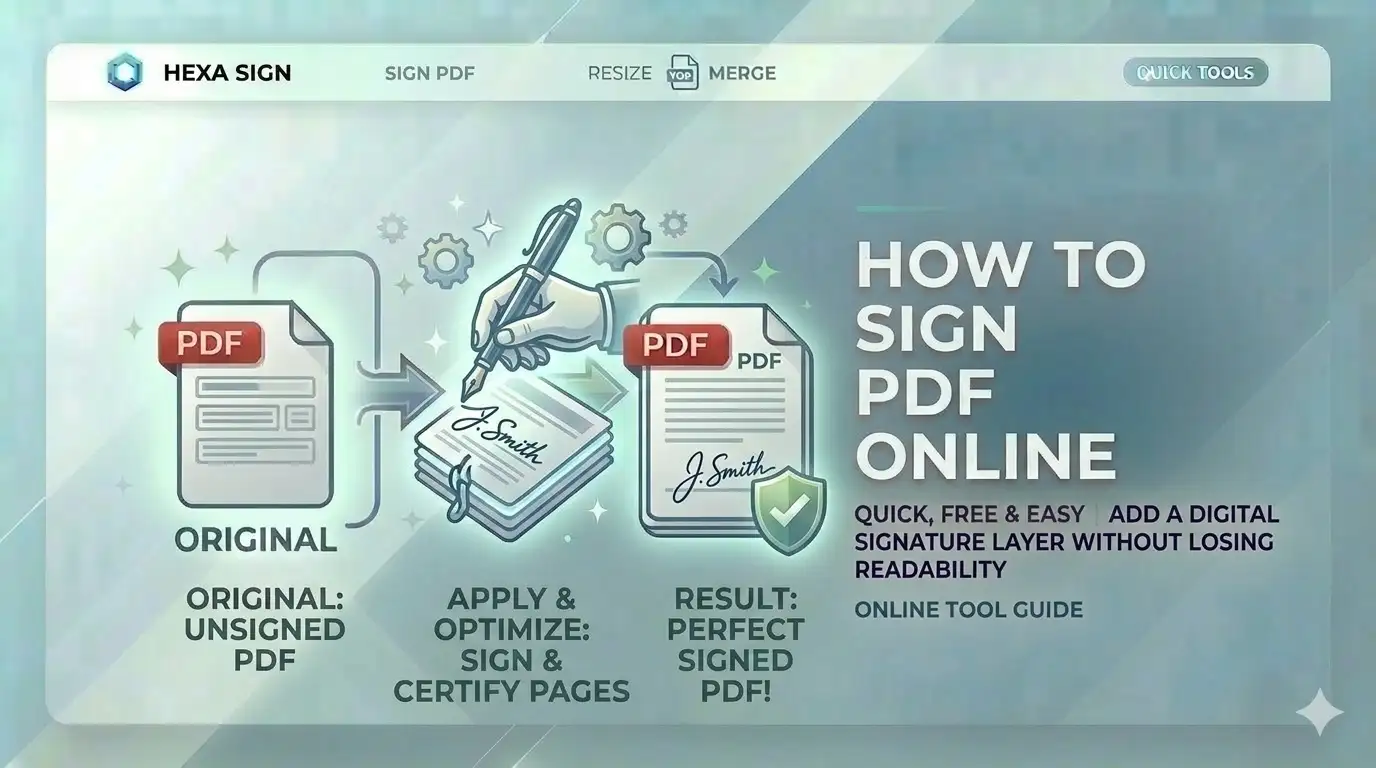
Need to sign a digital document for an application? Printing, signing, and scanning is a thing of the past. Knowing how to sign PDF online free allows you to apply professional e-signatures to your marksheets and certificates, ensuring your SSC or UPSC documentation is handled with digital precision.
What is a Digital Signature?
A digital signature (or e-signature) is an electronic indication of intent to agree to the content of a document. In the context of how to sign PDF online free, it refers to placing a visual representation of your handwritten signature onto a digital PDF layer. This is widely accepted by Indian govt job portals for self-attestation of documents like marksheets and caste certificates.
Sign PDF in 4 Simple Steps
Select PDF Booklet
Upload the document you need to sign. Our engine renders each page for precise placement.
Create Your Ink
Use our touch-sensitive pad to draw your signature, or type it using professional cursive fonts.
Position Layer
Drag your signature to the correct page and spot. Resize it to look natural on the document.
Bake & Download
Click Export. Our tool permanently embeds the signature into the PDF stream locally.
Key Features of Our PDF Signer
Multi-Input Modes
Draw with touch, type with cursive fonts, or upload a signature image.
100% Local Logic
Your signatures and marksheets never touch a server. Processing is local.
High-DPI Render
Ensure your signature is crisp and readable for official verification.
Mobile Optimized
Sign sensitive documents directly from your Android or iPhone browser.
Official Portal Requirements
Our free online PDF signature tool is built for these Indian standards:
- SSC Online:Sign self-attested marksheet copies
- UPSC Application:Add e-signatures to certificates
- Bank KYC:Sign identity proofs for verification
- PAN Card Online:Sign supporting documents for NSDL
- Voter ID ECI:Apply signatures to address proofs
- Legal Documents:Sign contracts and agreements safely
Manual Signing vs. e-Signature Pro
| Metric | Print & Scan | CSCtools Studio |
|---|---|---|
| Privacy | Medium (Physical copy) | 100% Local (Safe) |
| Convenience | Low (Takes hours) | High (Seconds) |
| Fidelity | Scanner noise | Vector Sharp |
Technical Signature Engine Overview
Frequently Asked Questions
How to sign a marksheet PDF for SSC online free?
Simply upload your PDF to CSCtools, create your signature using the draw or type tool, position it on the document, and click Export. You'll get a professional signed PDF instantly.
Is my signature saved on your server?
No. All signing and processing happens 100% locally in your browser memory and is forgotten as soon as you close the tab.
Can I sign multiple pages at once?
Yes. Our tool allows you to place multiple signatures across different pages of the same document before exporting.
Will the PDF quality change after signing?
No. Our tool injects the signature as a high-resolution layer without re-compressing the rest of the document, so your certificate details remain perfectly sharp.
Conclusion
Mastering how to sign PDF online free is a vital skill for anyone handling digital documents in India today. With CSCtools, you get a professional, secure, and instant workstation to sign your identity documents for any portal.