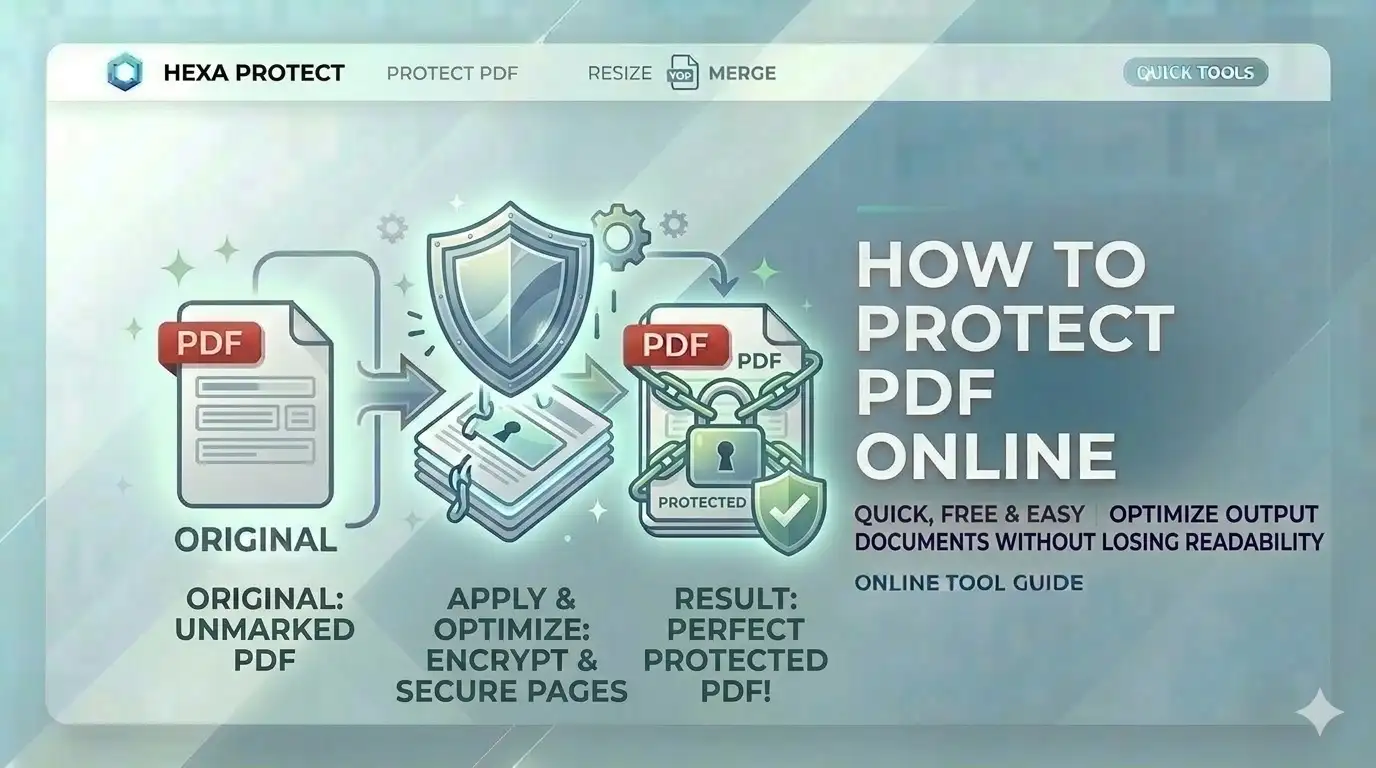
Sharing a digital draft or a sensitive certificate? Standard PDFs can be easily copied or printed without your permission. Knowing how to protect PDF online free allows you to lock down the document's usage, ensuring your SSC or UPSC documentation is shared exactly how you intend.
What is PDF Permission Control?
PDF permission control is the digital setting of specific access flags within the document metadata. For users in India, searching for how to protect PDF online free is a critical security step because it allows you to prevent others from extracting your Aadhaar or PAN card details. Our tool uses WASM-based binary manipulation to set these flags securely.
Protect PDF in 4 Simple Steps
Select PDF Booklet
Upload your multi-page document or certificate scan. The engine analyzes it instantly.
Set Restrictions
Choose exactly what to block: Printing, Text Copying, or Full Modification.
Create Owner Key
Enter a secure password. This is required if you ever want to change these rules.
Export Secure PDF
Click apply. Our engine will process all pages locally and start your download.
Key Features of Our Protector
Print Lock
Completely disable the print functionality to prevent unauthorized hard copies.
100% Local Logic
Your identity marksheets never touch a server. Processing is local.
Copy Protection
Restrict text and image extraction to keep your biometric data safe.
Mobile Optimized
Protect documents directly from your Android or iPhone gallery with ease.
Official & Professional Requirements
Our free online PDF protection tool is built for these Indian standards:
- SSC Online:Protect marksheet scans for safe upload
- UPSC Application:Disable copying on identity proofs
- Business Proposals:Prevent unauthorized printing of drafts
- Legal Documents:Restrict modification of final agreements
- PAN Card Online:Label supporting documents for security
- Academic Sharing:Protect thesis from text extraction
Manual vs. WASM-Powered Protection
| Metric | Standard Editors | CSCtools Studio |
|---|---|---|
| Privacy | Low (Docs on server) | 100% Local (Safe) |
| Accuracy | Basic flags | Binary-Level Restrict |
| User Limit | 2-3 docs daily | Unlimited (Free) |
Technical Security Engine Overview
Frequently Asked Questions
How to protect PDF certificates for SSC online free?
Simply upload your PDF to CSCtools, check the 'Disable Printing' and 'Disable Copying' boxes, set your owner password, and click apply. You'll get a protected PDF instantly.
Is my personal data safe on your server?
Absolutely. We never see your documents. All protection and encryption happens 100% locally in your browser memory and is deleted when you close the tab.
What is the difference between user and owner passwords?
A user password is required to open the PDF. An owner password is required to change or remove restrictions like printing or editing.
Will the PDF file size increase after protection?
The security layer adds a very small amount of metadata (usually < 10KB). The overall appearance and quality of your document remain unchanged.
Conclusion
Mastering how to protect PDF online free is a vital skill for digital document management in India. With CSCtools, you get a professional, secure, and instant workstation to set permissions for your identity documents for any portal.