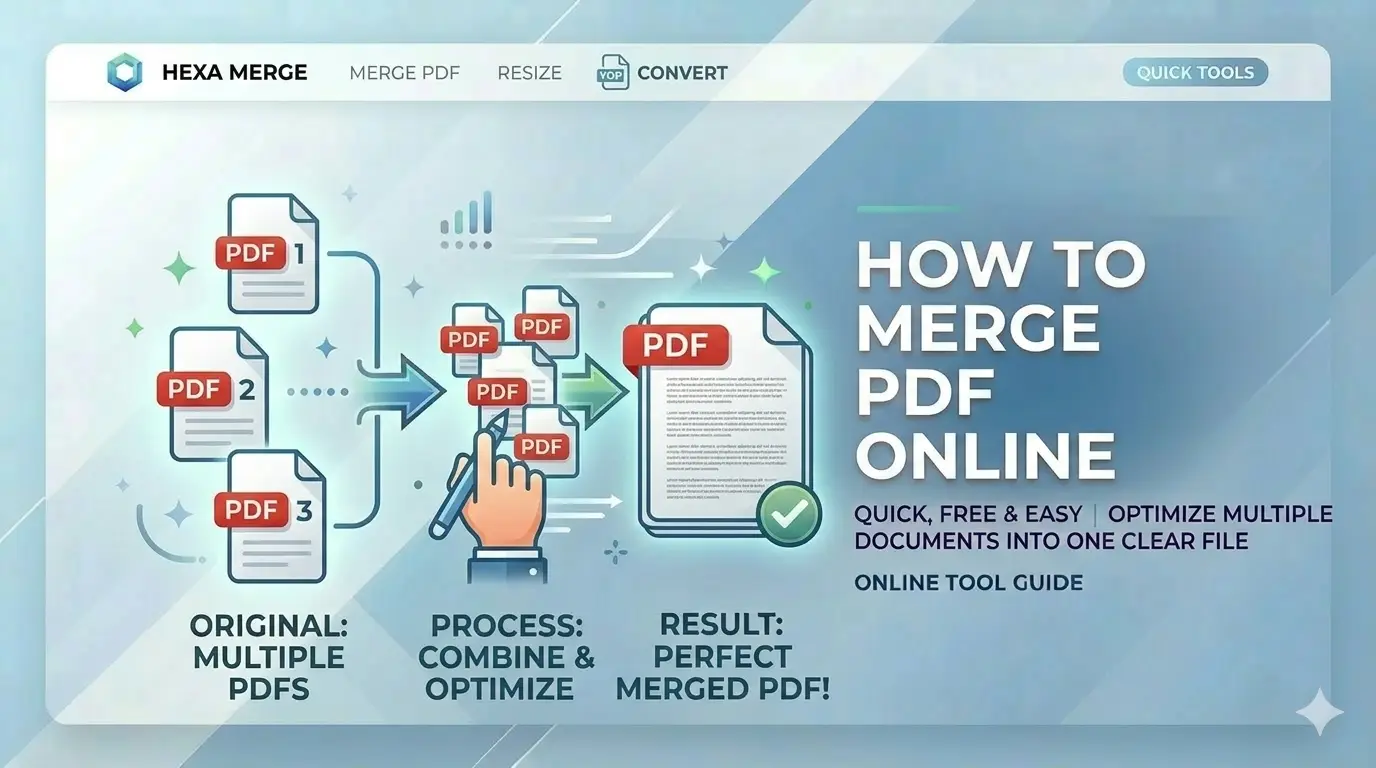
Facing the "File size exceeds limit" error on government recruitment sites? Learning how to merge PDF online free is essential for every Indian job applicant. Whether it's for SSC, UPSC, or PAN card, our guide shows you how to reduce PDF size in KB while keeping your documents legible.
What is PDF Merging?
PDF merging is the digital process of combining multiple PDF files into one single, contiguous document. For Indian government job applicants, mastering how to merge PDF online free is crucial because:
- SSC CGL 2026 requires all educational certificates in one PDF
- UPSC applications need multiple documents combined
- Banking exams ask for ID proofs merged into single file
- Professional document presentation improves application quality
Why Merge PDFs for Government Jobs?
Portal Requirements
Most government forms accept only single PDF uploads
Professional Presentation
Combined documents look organized and professional
Easy Management
One file is easier to store, share, and track
Faster Uploads
Single file uploads faster than multiple individual files
Merge PDF in 4 Simple Steps
Open PDF Merger Tool
Visit CSCtools PDF Merger. No registration, no payment, no software installation. Works on desktop, laptop, tablet, and mobile.
Upload Documents
Click upload and select all the PDFs you want to combine. You can upload up to 50 files at once.
Arrange Order
Drag and drop page thumbnails to set the exact sequence required by your application.
Download PDF
Click 'Generate PDF' to merge everything locally. Download your single consolidated document ready for portal upload.
Advanced PDF Merger Features
Merge Up to 50 Files
Combine multiple PDFs in one go - perfect for semester marksheets and multiple certificates.
100% Private & Secure
Your Aadhaar, PAN, and certificates never leave your device. No server upload = complete privacy.
Drag & Drop Ordering
Visually arrange pages in exact sequence required by application forms.
Mixed Format Support
Combine PDFs with JPG/PNG images - perfect for scanned certificates alongside digital PDFs.
Lossless Quality
Original text selectability and vector graphics preserved - no re-encoding.
No Cloud Upload
Unlike other tools, we never store your documents. Processing is 100% local.
Mobile Optimized
Merge PDFs directly from your phone - perfect for last-minute applications.
Page Rotation
Fix sideways scans with easy rotation tools before finalizing merge.
Why Choose CSCtools?
Privacy First
Your certificates NEVER leave your device. No servers, no uploads.
Exact Order
Hit the perfect page sequence for recruitment boards precisely.
Frequently Asked Questions
How to merge marksheet pages for SSC online free?
Simply upload your PDF to CSCtools, choose the 'Merge' option, arrange the pages, and click generate. You'll get a professional document bundle instantly.
Is my personal data safe on your server?
Absolutely. We never see your documents. All processing happens 100% locally in your browser memory and is deleted when you close the tab.
Can I combine images and PDFs together?
Yes. Our pro workspace allows you to upload JPG/PNG images alongside PDF documents and arrange them all in a single document.