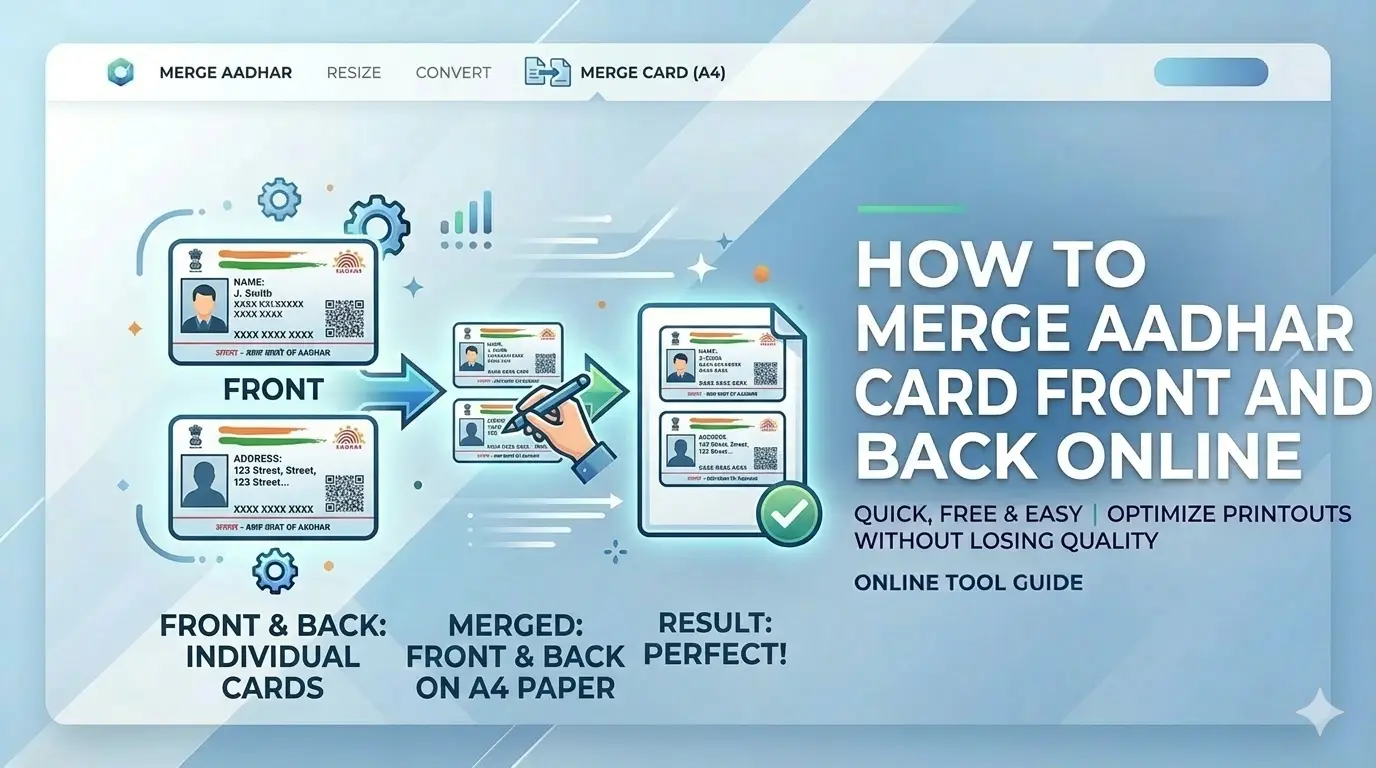
Need to submit an Aadhar card photocopy for a job application or KYC? Most portals require both the front and back sides on a single A4 page. Learning how to merge Aadhar card front and back online free saves you time and ensures your documents are accepted on the first try.
What is Aadhar Card Merging?
Aadhar card merging is the process of combining the front and back images of your Aadhar card onto a single page. When you receive your Aadhar card, it's typically a folded document with information on both sides. For official use, you often need to submit a photocopy showing both sides. Our free tool helps you merge Aadhar card front and back online instantly, creating a print-ready A4 document.
Unlike basic photo editors, our specialized Aadhar card merger automatically aligns both sides to standard A4 dimensions, ensuring nothing gets cut off when printed.
Why You Need to Merge Aadhar Card Front and Back
Government Job Applications
SSC, UPSC, banking exams require both sides on one page
PAN Card Applications
NSDL and UTIITSL portals expect merged ID proofs
Bank KYC Updates
Save paper with single-page Aadhar copies
SIM Card Verification
Telecom providers accept merged Aadhar prints
Passport Applications
Passport Seva Kendra requires clear ID copies
How to Merge Aadhar Card Front and Back Online Free
Take Clear Photos
Click front and back of your Aadhar card in good lighting
Upload Both Images
Select the front and back photos from your device
Choose A4 Layout
Pick vertical or horizontal arrangement on the page
Adjust if Needed
Use rotation tools to straighten tilted images
Download PDF
Save your merged Aadhar card as high-quality PDF
Pro tip: Place your Aadhar card on a dark background for better edge detection when you merge Aadhar card front and back.
Why Choose Our Aadhar Card Merger
100% Private
Your Aadhar images never leave your device. Complete privacy guaranteed.
Perfect A4 Print
Auto-scales both sides to fit A4 paper without cropping important details.
Takes 2 Minutes
Fast processing - merge Aadhar card front and back in under 2 minutes.
High-Quality PDF
Export at 300 DPI - QR codes and text remain perfectly scannable.
Works on Mobile
Use on any device - phone, tablet, or computer. No app download needed.
Free Forever
No hidden charges. Completely free tool for all Indian citizens.
Where You Need Merged Aadhar Card
Manual vs Our Aadhar Merge Tool
| Feature | Manual Method | CSCtools Merger |
|---|---|---|
| Time Taken | 10-15 minutes | < 2 minutes |
| Privacy | Uploads to unknown servers | 100% local processing |
| Print Quality | Inconsistent sizing | Perfect A4 scaling |
| Cost | May require paid software | Completely free |
| Skill Needed | Photo editing knowledge | No skills required |
Frequently Asked Questions
How to merge Aadhar card front and back online free?
Upload both sides to CSCtools ID Merge Studio, select A4 layout, and download PDF. The tool automatically aligns both sides perfectly for printing.
Is it safe to merge Aadhar card online?
Yes, our tool processes everything locally in your browser. Your Aadhar images never leave your device, ensuring complete privacy.
Can I merge other ID cards like PAN card?
Absolutely! Our tool works for any ID card - PAN, Voter ID, Driving License, etc. You can merge front and back of any document.
What paper size should I use for printing?
Use standard A4 paper (210mm x 297mm). Our tool automatically scales both sides to fit perfectly on A4 without cropping.
Will the QR code on Aadhar card work after merging?
Yes, we export at 300 DPI resolution, ensuring QR codes remain scannable and text stays sharp after printing.
Do I need to create an account?
No account needed. Our tool is completely free and works instantly without any registration.
Can I merge Aadhar card on mobile phone?
Yes, our tool works perfectly on all devices - smartphones, tablets, and computers. No app download required.
How to combine Aadhar card front and back for SSC form?
Upload both sides, choose vertical layout (stacked), and download as PDF. This format is accepted by all SSC recruitment portals.
Ready to Merge Your Aadhar Card?
Now you know exactly how to merge Aadhar card front and back online free. Our tool makes it simple, fast, and completely private. No more running to cyber cafes or struggling with complex software.
Free tool • No registration • 100% private • Works on all devices