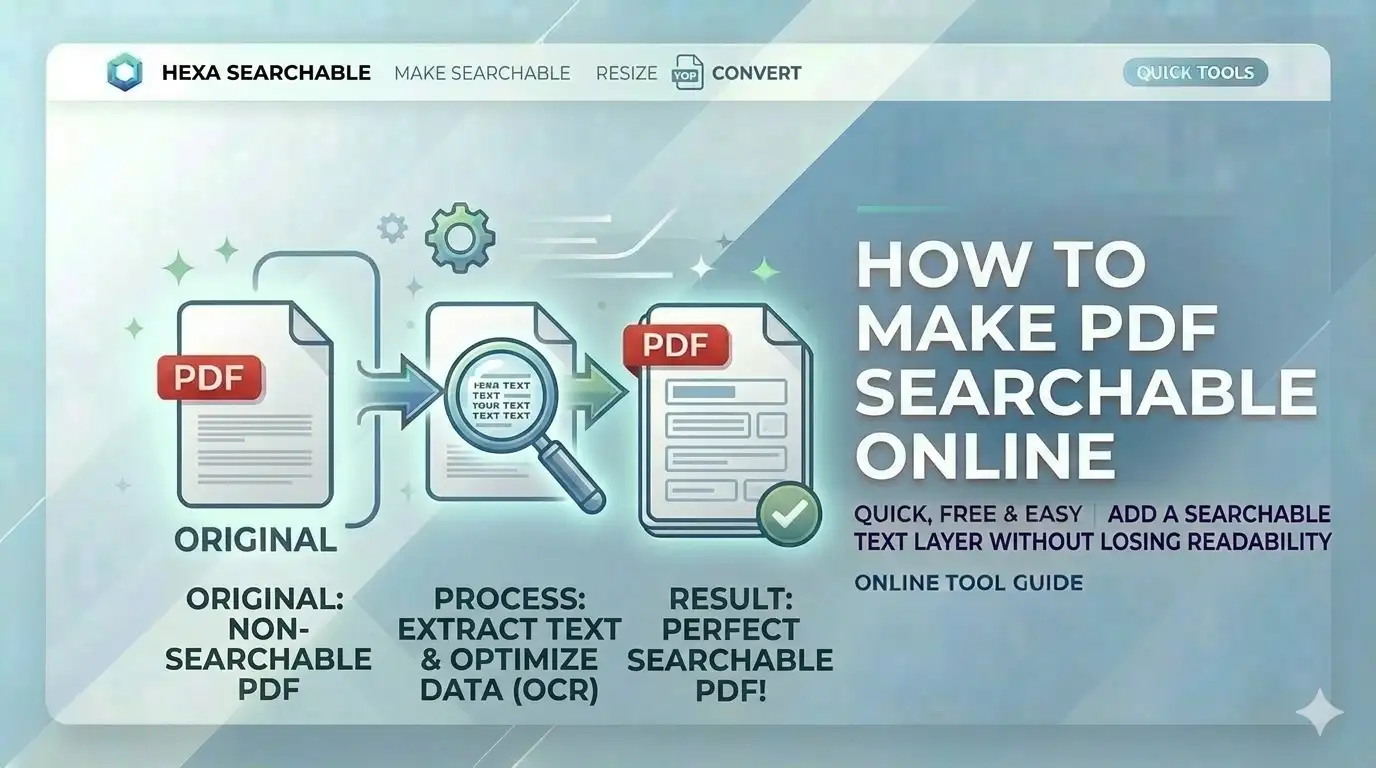
Can't find specific text in your scanned certificate PDF? For large document bundles or official verifications, portals often expect searchable files. Knowing how to make PDF searchable online free allows you to search, copy, and index text within marksheets without compromising your identity data.
What is a Searchable PDF?
A searchable PDF is a document that contains both the original scanned image and an invisible text layer generated by OCR technology. When you search for how to make PDF searchable online free, you are essentially looking for a way to let computers "read" the pixels in your scans. This is mandatory for professional archiving and helps govt job portals verify your document data automatically.
Make PDF Searchable: 4 steps
Select PDF Scan
Upload your certificate or marksheet. Our engine identifies image-only pages automatically.
Language Tuning
Choose the target language (e.g., Hindi, English, or Sanskrit) for high-accuracy detection.
Process AI Layer
Our OCR engine performs neural character mapping entirely within your browser memory.
Export & Test
Download your PDF. Use Ctrl+F to find your Roll Number or Percentage instantly.
Key Features of AI OCR
Indic Support
Optimized for Hindi, Tamil, Telugu and all major Indian languages.
100% Local Logic
Your sensitive certificates never touch a server. Processing is local.
Text Extraction
Download pure text versions of your PDFs for easy copy-pasting.
Mobile Optimized
Convert mobile certificate scans into searchable PDFs directly on your phone.
Official Portal Requirements
Our free online OCR tool is built for these Indian standards:
- SSC Online:Searchable marksheets for verification
- UPSC Application:Searchable certificates for documentation
- Legal Notices:Extract text from scanned court orders
- PAN Card Online:Digitize proof documents for record
- Old Records:Make heritage documents fully indexed
- Bank KYC:Searchable ID proof consolidation
Basic Scans vs. OCR Documents
| Metric | Standard Scan | CSCtools AI OCR |
|---|---|---|
| Search (Ctrl+F) | Not Possible | Full Support |
| Privacy | Low (Cloud storage) | 100% Local (Safe) |
| Text Copy | Manual Type | Select & Copy |
Technical Engine Overview
Frequently Asked Questions
How to make a marksheet PDF searchable for SSC?
Simply upload your PDF to CSCtools OCR tool, select the document language, and click 'Start OCR'. Download the result and you'll be able to use Ctrl+F to find your name or numbers.
Is my personal data safe on your server?
Absolutely. We never see your documents. All OCR and PDF generation happens 100% locally in your browser memory and is deleted when you close the tab.
Which languages are supported?
We support English and all major Indian languages including Hindi, Bengali, Tamil, Telugu, Kannada, Malayalam, Marathi, and Gujarati.
Will the PDF file size increase after OCR?
The hidden text layer adds a very small amount of data (usually < 50KB per page). The overall appearance remains high-quality.
Conclusion
Mastering how to make PDF searchable online free is a game-changer for anyone handling official documents in India. With CSCtools, you get a professional, secure, and instant workstation to digitize your identity records for any portal.