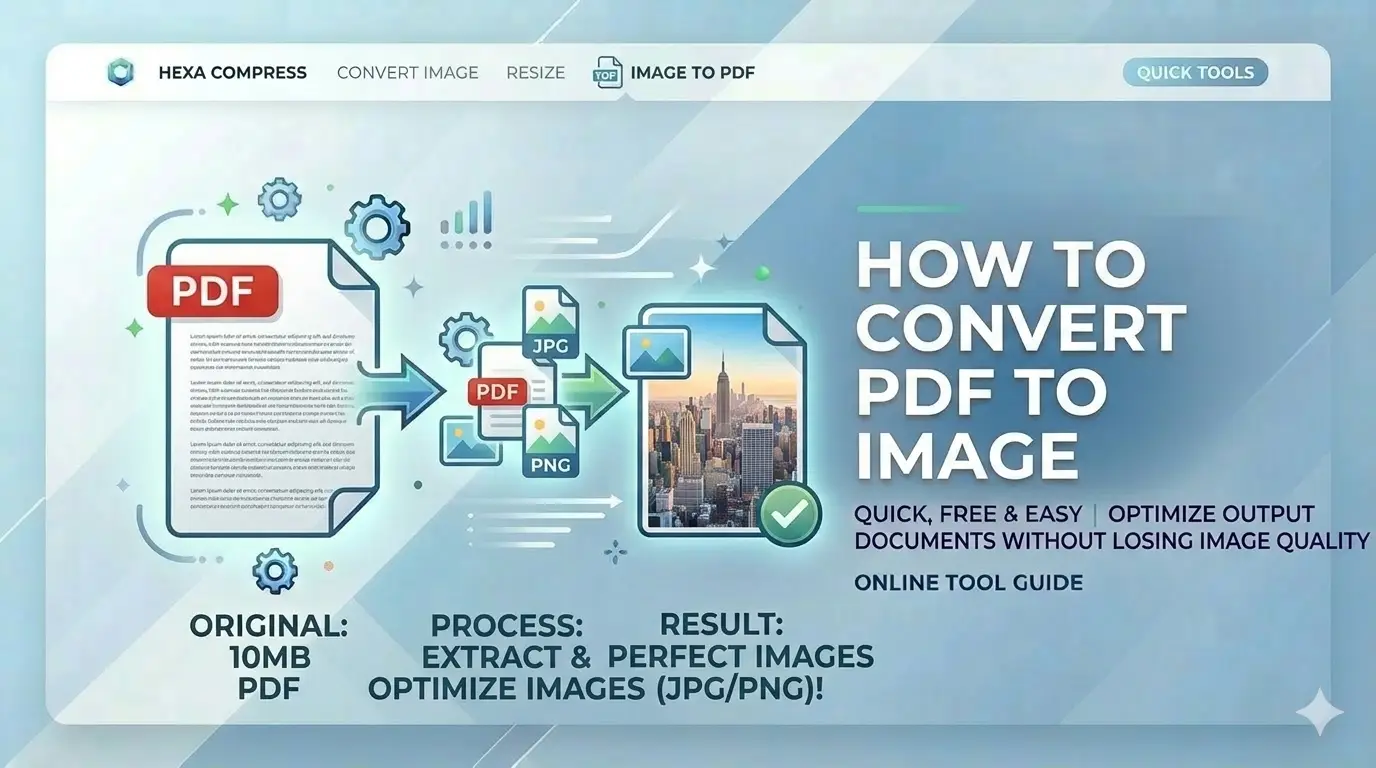
Preparing for the SSC recruitment 2026 cycle? Many portals require individual JPG or PNG uploads of your multi-page PDF marksheets. Learning how to convert PDF to image online free with 300DPI high clarity is essential to ensuring your application isn't rejected for blurry text or poor resolution.
What is PDF to Image Conversion?
PDF to image conversion is the process of rendering vector-based or scanned PDF pages into static pixel formats like JPG, PNG, or WebP. For Indian job seekers searching how to convert PDF to image online free, this is critical because systems like SSC and UPSC often require certificates to be uploaded as separate image files. Our tool uses professional rendering libraries to ensure text stays sharp and legible at up to 300DPI after extraction.
Convert PDF to Image: 4 Easy Steps
Select PDF Document
Upload your document or certificate. Our engine quickly analyzes page count.
Set Resolution (DPI)
Choose scale: 1x (96DPI), 2x (192DPI), or 3x (300DPI) for crystal clear text.
Select Output Mode
Convert 'All Pages', 'Single Page', or specific 'Range' based on your needs.
Download Image ZIP
Process and download high-resolution ZIP bundle containing all your pages.
Key Features of Our Pro Converter
Super-Resolution
Upscale pages up to 300DPI for official document verification.
100% Local Logic
Your sensitive certificates never touch a server. On-device only.
Smart ZIP Bundling
Automatically bundle multi-page PDF extractions into one download.
Mobile Optimized
Extract high-res JPGs directly from your smartphone browser.
Why Choose CSCtools?
India's most trusted free online PDF to image converter for government job applications. Here's why 35,000+ applicants choose us:
Privacy First
Your certificates NEVER leave your device. No servers, no uploads.
300DPI Output
Extract images at 300DPI - official requirement for government portals.
Smart ZIP Bundling
Multi-page PDFs become organized ZIP files. No manual downloading.
Trusted by Thousands
Preferred by job aspirants across India since 2020.
"Converted my marksheet to high-res JPG. The 300DPI option made text crystal clear."
Sunil Kumar
SSC CGL 2026 Applicant
"Local processing means my certificates never leave my phone. Highly recommended!"
Meera Reddy
UPSC Aspirant
"ZIP bundling saved so much time with my multi-page certificate. Perfect tool!"
Arjun Singh
PAN Card Applicant
Govt Portal Image Requirements 2026
Our free online PDF to image converter is optimized for these Indian government portal requirements:
| Portal | Requirement | Recommended |
|---|---|---|
| SSC CGL/CHSL | JPG format for marksheets | 2x (192DPI) |
| UPSC Civil Services | High-res document proofs | 3x (300DPI) |
| State PSC Exams | Category certificates as JPG | 2x (192DPI) |
| PAN Card (NSDL) | Proof documents as PNG | 3x (300DPI) |
| Banking (IBPS) | Scanned certificates | 2x (192DPI) |
| Passport Seva | Supporting documents | 3x (300DPI) |
Standard Extraction vs. Pro Rendering
| Metric | Standard Sites | CSCtools Studio |
|---|---|---|
| Privacy | Cloud upload | 100% Local |
| Clarity | Compressed (Blurry) | 300DPI (High-Fi) |
| Bundling | Individual downloads | Smart ZIP Export |
| Page Selection | All or nothing | Single/Range mode |
Technical Engine Overview
Frequently Asked Questions
How to convert PDF to JPG for SSC online free?
Upload to CSCtools, set scale to '2x' or '3x' for clear text, select JPG, and click Convert. Download each page as high-quality JPG ready for SSC portal upload.
Is it safe to extract images from certificates online?
Yes, CSCtools uses 100% local processing. Your certificates never leave your device - no upload to any server. All conversion happens in your browser.
How to convert PDF to PNG for UPSC application?
Upload your PDF, select PNG format (lossless quality), set scale to '3x' (300DPI), and download. PNG preserves all text sharpness for UPSC verification.
What is the best free PDF to image converter for government forms?
CSCtools offers 300DPI output, 100% local processing, ZIP bundling, and mobile support. Trusted by 35,000+ users with 4.9/5 rating.
Can I extract single page from PDF as image for PAN card?
Yes, use 'Single Page' or 'Page Range' mode to select exactly the document page you need. Perfect for PAN card applications.
What resolution is required for government document images?
Most portals require 200-300DPI. CSCtools offers 1x (96DPI), 2x (192DPI), and 3x (288DPI). For critical documents, use 3x mode.
Conclusion: Master PDF to Image Conversion for Govt Jobs
Now you know exactly how to convert PDF to image online free for Indian government portals. Whether you need 300DPI JPG or PNG for SSC, UPSC, or PAN card, our free converter delivers professional results with complete privacy. No more rejections, no more manual editing, and absolutely zero uploads of your certificates.