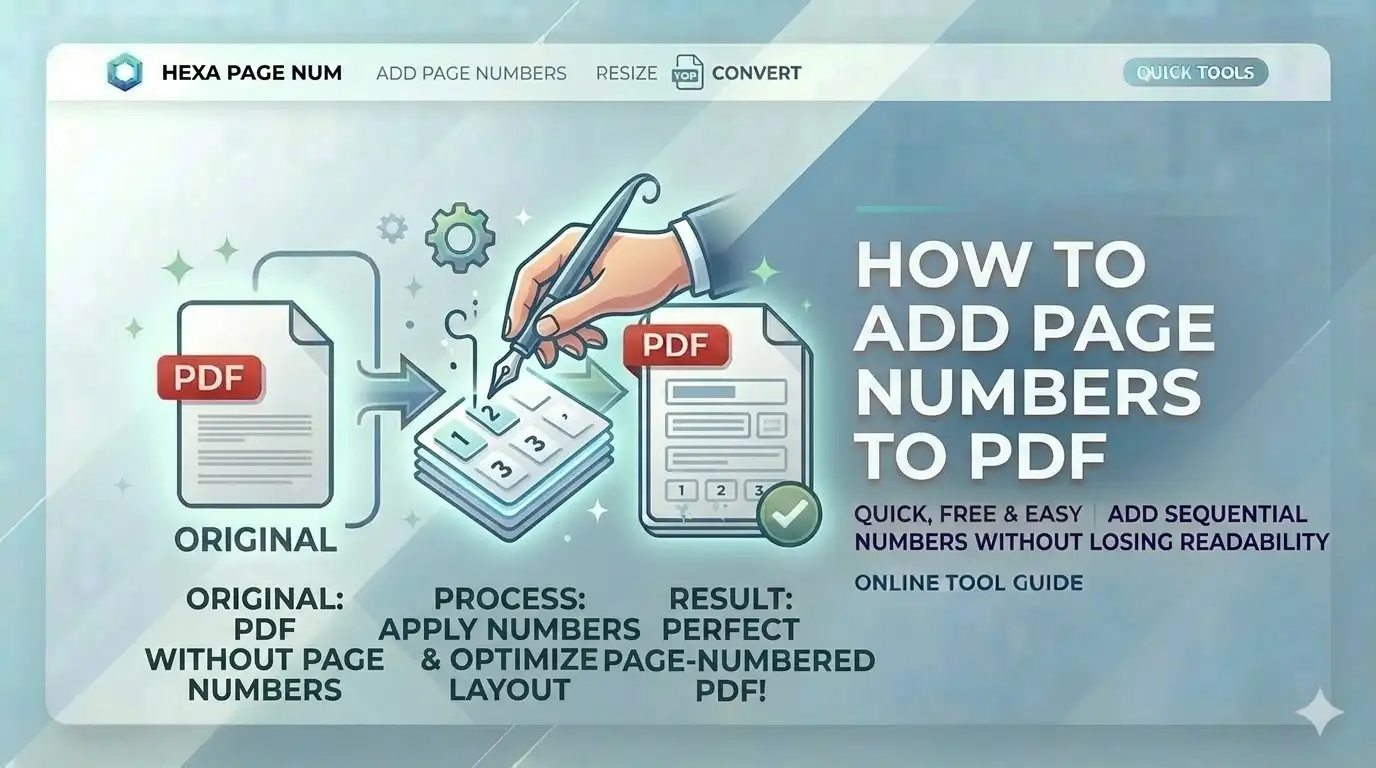
Compiling a multi-page certificate bundle for an application? Without page numbers, your document can look unprofessional and confusing for verifiers. Knowing how to add page numbers to PDF online free allows you to organize your marksheets (e.g., "1 of 6") which ensures your SSC or UPSC preparation is handled with professional care.
What is PDF Page Numbering?
PDF page numbering is the process of injecting sequential digital text into the document canvas at specific intervals. For users in India, searching for how to add page numbers to PDF online free is a critical step because it creates a clear reference for marksheets and degrees in Govt Job Portals. Our tool uses vector-safe rendering to ensure numbers are crisp and aligned perfectly on every page size.
Add Page Numbers in 4 Simple Steps
Select PDF File
Upload your certificate bundle. The engine will analyze page dimensions and total count instantly.
Format & Position
Choose your desired format (e.g., '1 of N') and placement (e.g., Bottom Center).
Customize Style
Set the font face, size, and color to match the official appearance of your marksheets.
Inject & Save
Click apply. Our engine will process all pages locally and provide your numbered document.
Key Features of Our Tool
Pro Typography
Choose from Helvetica, Times New Roman, and more for a formal look.
100% Client-Side
Your identity docs like Aadhaar never touch a server. Processing is local.
Precise Placement
6 standard positions plus margin control for surgically accurate alignment.
Mobile Optimized
Number documents directly from your Android or iPhone gallery.
SSC, UPSC & Academic Needs
Our free online PDF numbering tool is built for these Indian use cases:
- SSC Portals:Number marksheets for semester-wise review
- UPSC Registration:Format multi-page service records
- Thesis/Reports:Apply formal page sequences for printing
- PAN Card online:Label supporting documents for security
- Legal Documentation:Bates numbering for court submissions
- Passport Seva:Organize ID proof copies for verification
Manual Numbering vs. Digital Prep
| Metric | Standard Editors | CSCtools Studio |
|---|---|---|
| Privacy | Low (Cloud upload) | 100% Local (Safe) |
| Precision | Manual drag | Surgical Logic |
| Batch Support | Limited count | Unlimited Pages |
Technical Coordinate Engine Overview
Frequently Asked Questions
How to number marksheet pages for SSC online free?
Simply upload your PDF to CSCtools, choose the 'Bottom Center' option, select the format 'Page n of N', and click apply. You'll get a professional document bundle instantly.
Can I use my own fonts for page numbering?
Yes. Use our 'Typography' settings to select standard professional fonts like Times New Roman or Helvetica, and even adjust the color to match your document.
Will numbering affect text clarity?
No. Our tool injects text layers without re-rasterizing the document, so your original certificate details remain perfectly sharp for official scanners.
Is my personal data safe on your server?
Absolutely. We never see your documents. All processing happens 100% locally in your browser memory and is deleted when you close the tab.
Conclusion
Mastering how to add page numbers to PDF online free is a vital skill for anyone preparing digital documents in India today. With CSCtools, you get a professional, secure, and instant workstation to format your identity documents for any portal.