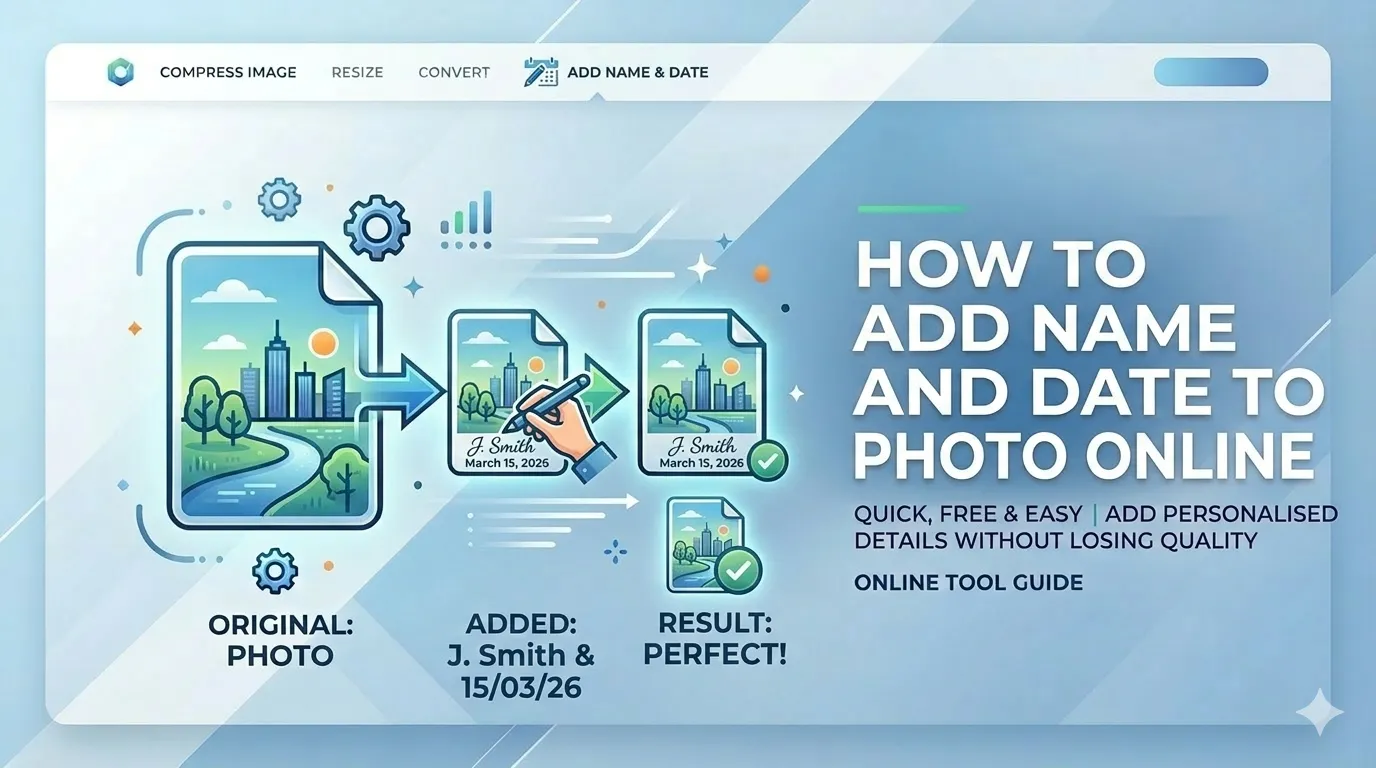
Struggling with "Photo without name and date" rejection on government portals? Learning how to add name and date to photo online free is essential for every Indian job applicant. Whether you need to attest photos for SSC, IBPS, or UPSC, our guide shows you how to add details while meeting strict KB limits.
Quick Navigation - Photo Attestation Guide
What is Photo Attestation for Govt Jobs?
Photo attestation is the official requirement where candidates must print their name and the photo date directly onto their digital photograph. For Indian government portals like SSC, IBPS, UPSC, and State PSCs, this verifies that the photo is recent (usually within 3 months) and authenticates the applicant's identity. Learning how to add name and date to photo online free is now a mandatory skill for any government job aspirant in India.
How to Add Name and Date to Photo: 4 Easy Steps
Upload Your Portrait
Upload your high-quality passport photo. Use Adjustment Studio to crop to required dimensions (3.5cm x 4.5cm for SSC).
Enter Attestation Details
Type your full name as per records and select the photo date in DD-MM-YYYY format.
Customize Text Style
Choose Times New Roman font, adjust size (10-12pt), and position text in bottom strip.
Download Attested Photo
Select quality preset (Low for 20-50KB, Medium for 100KB) and save ready-to-upload photo.
Key Features of Our Photo Attestation Tool
Smart Date Formatting
Automatic DD-MM-YYYY format as required by all Indian government portals.
Professional Fonts
Times New Roman, Arial, Georgia - all officially accepted by SSC/UPSC.
100% Privacy First
Your photo and personal details never leave your device. No server uploads.
Exact KB Targeting
Auto-compress to 20KB, 50KB, or 100KB for SSC, IBPS, and UPSC portals.
Precision Controls
Adjust strip height, font size, and text position with pixel-perfect accuracy.
Mobile Optimized
Attest photos directly from your Android or iPhone gallery in seconds.
Why Choose CSCtools?
India's most trusted free online photo attestation tool for government job applications. Here's why 35,000+ applicants choose us:
Privacy First
Your photo and personal details NEVER leave your device.
SSC/UPSC Approved Fonts
Times New Roman, Arial, Georgia - all officially accepted.
Portal-Ready Output
Auto-compress to exact SSC/IBPS KB limits.
Trusted by Thousands
Preferred by job aspirants across India.
"Perfect for SSC! Added my name and date in seconds. File was exactly 48KB."
Priya Sharma
SSC CGL 2026
"Times New Roman font looks professional. Privacy-focused processing gives peace of mind."
Amit Kumar
IBPS PO
"Easy on mobile, perfect font options, and exact KB control. Highly recommended!"
Deepa Patel
UPSC
Govt Portal Attestation Requirements 2026
Our free online photo attestation tool is optimized for these Indian government portal requirements:
| Portal | Attestation Requirements | File Size |
|---|---|---|
| SSC CGL/CHSL | Name + Date (DD-MM-YYYY) at bottom, white strip | 20-50KB |
| IBPS Banking | Name + Date, recent photo (within 3 months) | 20-50KB |
| UPSC Civil Services | Name + Date, high clarity, Times New Roman | 20-300KB |
| Railway RRB | Name + Date, white strip at bottom | 30-100KB |
| State PSC Exams | Name + Date varies by state | 20-100KB |
| Teaching Exams (CTET) | Name + Date mandatory | Under 50KB |
| Defense Exams | Name + Date with recent photo | 20-100KB |
| PAN Card Documents | Name + Date for document attestation | Under 100KB |
Manual vs Digital Photo Attestation
| Feature | Phone/PC Editors | CSCtools Attestation |
|---|---|---|
| Privacy | Cloud backup | 100% Local, no uploads |
| Time Required | 10-15 minutes | Under 45 seconds |
| Text Alignment | Inconsistent | Pixel-perfect locked |
| Font Options | Limited | Times New Roman, Arial |
| File Size Control | Manual | Auto KB targeting |
How Our Photo Attestation Tool Works
Frequently Asked Questions
How to add name and date to photo for SSC CGL online application 2026?
To add name and date for SSC CGL 2026: 1) Visit CSCtools Photo Attestation, 2) Upload your passport photo (3.5cm x 4.5cm recommended), 3) Enter your full name and current date in DD-MM-YYYY format, 4) Choose Times New Roman font at size 10-12pt, 5) Select 'Low' quality preset for under 50KB output, 6) Download and upload to SSC portal.
Is it safe to add name and date to photo online for government forms?
Yes, CSCtools uses 100% local browser-based processing. Your photo and personal details never leave your device - no upload to any server. This makes it completely safe for sensitive government documents where identity privacy is crucial.
What are the photo attestation requirements for IBPS banking exams 2026?
IBPS banking exams require a recent passport-size photo with your name and date printed at the bottom. The photo must be under 50KB (usually 20-50KB range), with dimensions approximately 200x230 pixels. The text should be in black on a white strip using a clear font like Times New Roman.
Why should I choose CSCtools over other free photo attestation tools?
CSCtools is the only photo attestation tool offering: 1) 100% local processing, 2) Officially accepted fonts (Times New Roman, Arial), 3) Automatic date formatting in DD-MM-YYYY, 4) Exact KB targeting for SSC/IBPS/UPSC, 5) Mobile-optimized interface, 6) Zero data collection, 7) No watermarks. With 35,000+ satisfied users and 4.9/5 rating, we're India's most trusted choice.
Conclusion: Master Photo Attestation for Govt Jobs
Now you know exactly how to add name and date to photo online free for Indian government portals. Whether you need to attest photos for SSC, IBPS, UPSC, or PAN card, our free photo attestation tool delivers professional results with exact KB targeting and complete privacy. No more application rejections, no more manual editing, and absolutely zero uploads of your personal data.